How to Lock Your Credit (And When to Use a Freeze Instead)
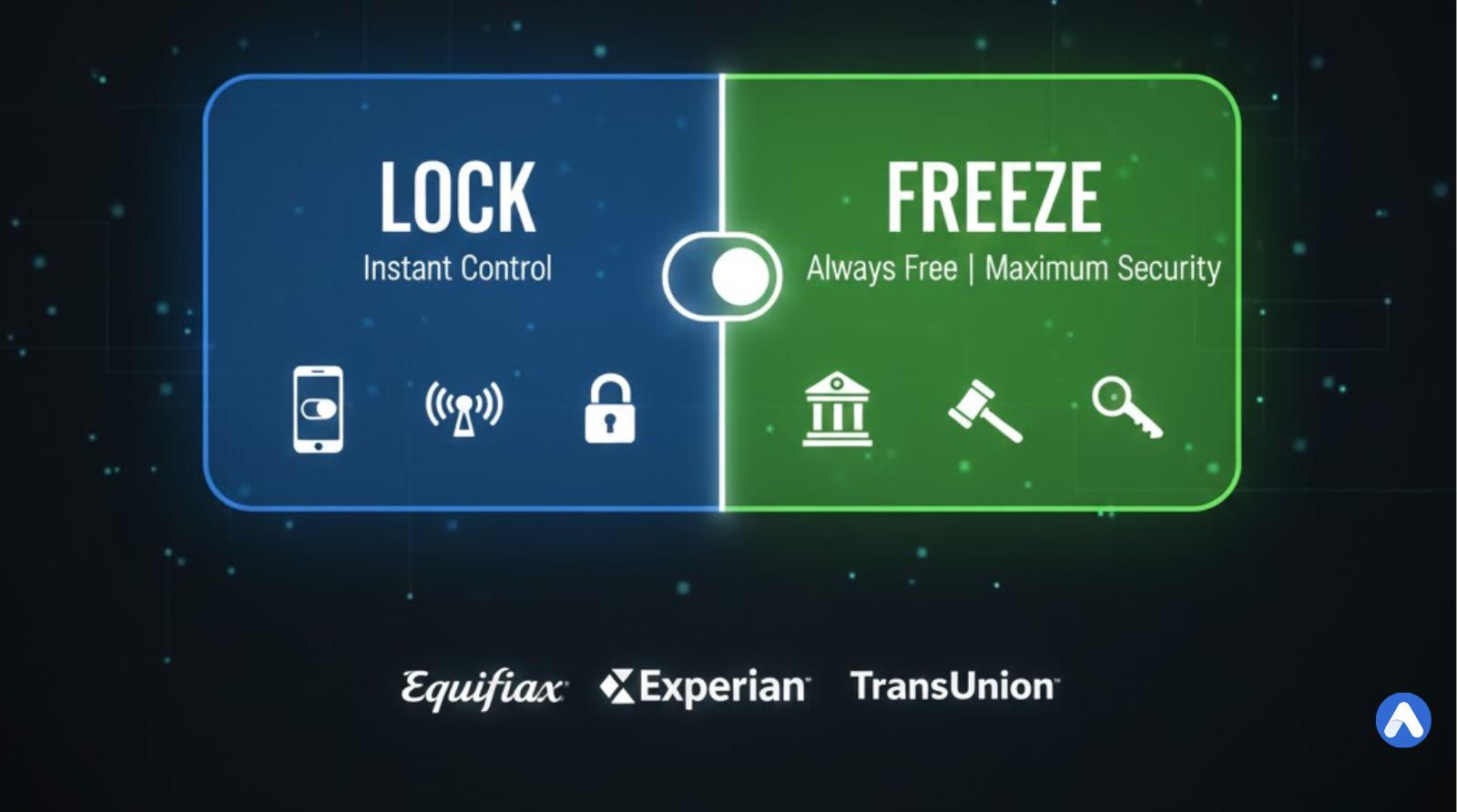
Locking your credit is the fastest way to block lenders from accessing your credit report. Unlike a “Freeze,” which acts like a permanent security anchor, a Credit Lock acts like a light switch. You can flip it “on” and “off” instantly using a smartphone app, making it perfect for active shoppers.
However, locking your credit is not always free, and it works differently at each bureau. Here is the step-by-step guide to locking your credit correctly.
What Is a Credit Lock?
A Credit Lock is a commercial product sold by credit bureaus. It does the same job as a freeze (blocking access to your report), but it functions like a convenient subscription service rather than a legal right.
- Cost: Often costs a monthly fee or is bundled with other paid services, though Equifax and TransUnion offer basic free versions.
- Security: Governed by a “Terms of Service” contract, not federal law. This means you have fewer legal rights if the service fails.
- How it works: It is designed for speed. You use a smartphone app to toggle your credit “Locked” or “Unlocked” instantly with a single swipe, making it ideal for active shoppers who need quick access.
What Is a Credit Freeze?
A Credit Freeze is a free security tool guaranteed by federal law. When you freeze your credit, you are exercising a legal right to seal your credit report so no one—not even you—can open a new account until you unfreeze it.
- Cost: Always $0 (Free).
- Security: Backed by the U.S. government. If a credit bureau mismanages your freeze and you suffer identity theft, you have legal protections.
- How it works: You must log in to each bureau’s website (Equifax, Experian, TransUnion) separately to turn it on or off. It can take a few minutes to lift, but it provides the highest level of security.
How to Lock Your Credit (Bureau by Bureau)
Because a “Credit Lock” is a commercial product (not a federal right), you cannot do it through a central government website. You must sign up for specific services with each of the three major bureaus.
1. How to Lock Equifax (Free)
Equifax offers a standalone app that allows you to lock your report for free.
- Service Name: Lock & Alert™
- Cost: Free
- How to do it:
- Download the “Equifax” app or visit the Lock & Alert website.
- Create an account (this is separate from the “myEquifax” freeze account).
- Toggle the button to “Locked.”
2. How to Lock TransUnion (Free Option Available)
TransUnion pushes a paid subscription, but they have a specific free utility for locking.
- Service Name: TrueIdentity
- Cost: Free (if you find the right link)
- How to do it:
- Go to the TrueIdentity website (owned by TransUnion).
- Register for an account.
- Use the dashboard to toggle your credit status to “Locked.” Warning: If you sign up for “TransUnion Credit Monitoring,” you will be charged a monthly fee. Stick to TrueIdentity for the free lock.
3. How to Lock Experian (Paid)
Experian generally bundles their lock feature into their premium membership.
- Service Name: Experian CreditLock
- Cost: ~$24.99/mo (Part of Experian CreditWorks™ Premium)
- How to do it:
- Download the Experian app.
- Sign up for the premium membership (7-day trials are often available).
- Tap the large “CreditLock” switch on the home screen. Note: Experian does allow you to Freeze for free, but the instant “Lock” toggle is usually behind a paywall.
Credit Lock vs. Credit Freeze: What is the Difference?
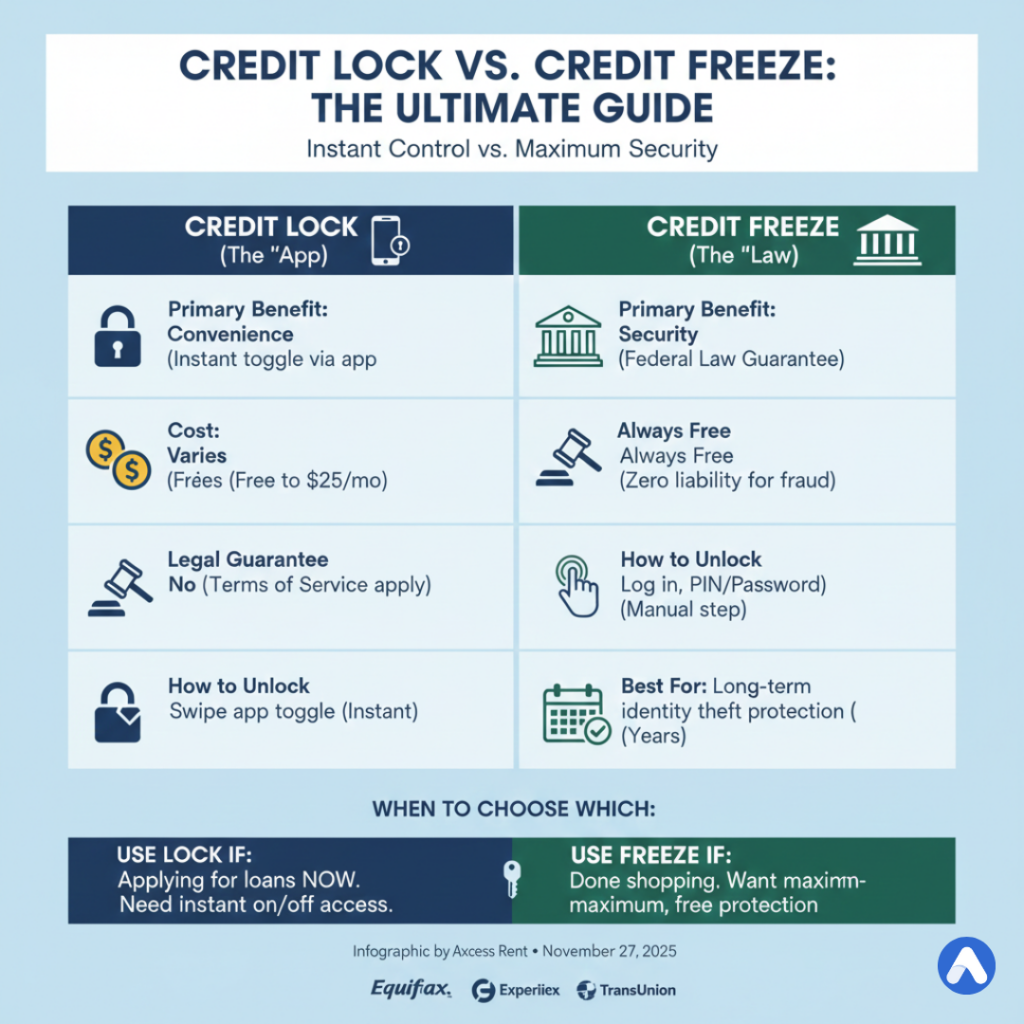
If both block lenders, why does the “Freeze” exist? The difference comes down to legal protection and cost.
| Feature | Credit Lock (The “App”) | Credit Freeze (The “Law”) |
|---|---|---|
| Primary Benefit | Convenience (Instant toggle) | Security (Federal Guarantee) |
| Cost | Varies (Free to $25/mo) | Always Free |
| Legal Guarantee | No (Terms of Service apply) | Yes (Federal Law) |
| How to Unlock | Swipe a button in an app | Log in and enter a PIN/Password |
| Best Used For… | Shopping for cars/homes (days) | Long-term identity theft protection |
Which One Should You Choose?
- Use a Lock if: You are actively applying for loans this week (e.g., visiting multiple car dealerships) and need to unlock your credit instantly while sitting in a finance office.
- Use a Freeze if: You are done shopping and want maximum security. Because the Freeze is federally regulated, the government guarantees you zero liability if the bureau mismanages your file.
Frequently Asked Questions (FAQ)
Is the “Lock” feature instant?
Yes. When you swipe the toggle in the app, the lock applies immediately. Lenders pulling your file seconds later will see it is blocked.
Can I have a Freeze and a Lock at the same time?
No. They function as the same “gate” on your report. To use the app-based “Lock,” you must first unfreeze your credit report. You cannot toggle a Freeze via an app’s Lock feature.
Will locking my credit stop my credit score from updating?
No. Your current creditors (like your credit card issuer) still send data to the bureaus every month. Your score will continue to go up or down based on your payments; the lock only stops new lenders from seeing the report.
Do I need to lock all three bureaus?
Yes. If you lock only Equifax, a thief can still apply for a credit card that checks Experian or TransUnion. You must lock all three individually for full protection.